What should a launch announcement on Dayfiles actually do for readers? It should explain what changed, who the product helps, and where a curious visitor should go next if they want to test the workflow instead of just read the headline.
Everyday Image Studio matters because it gives Dayfiles a focused editing surface for image cleanup, repeated export work, and lightweight production tasks that do not need a heavy design suite. The launch post should therefore connect the announcement to the real jobs a visitor can try immediately.
What is newly available?
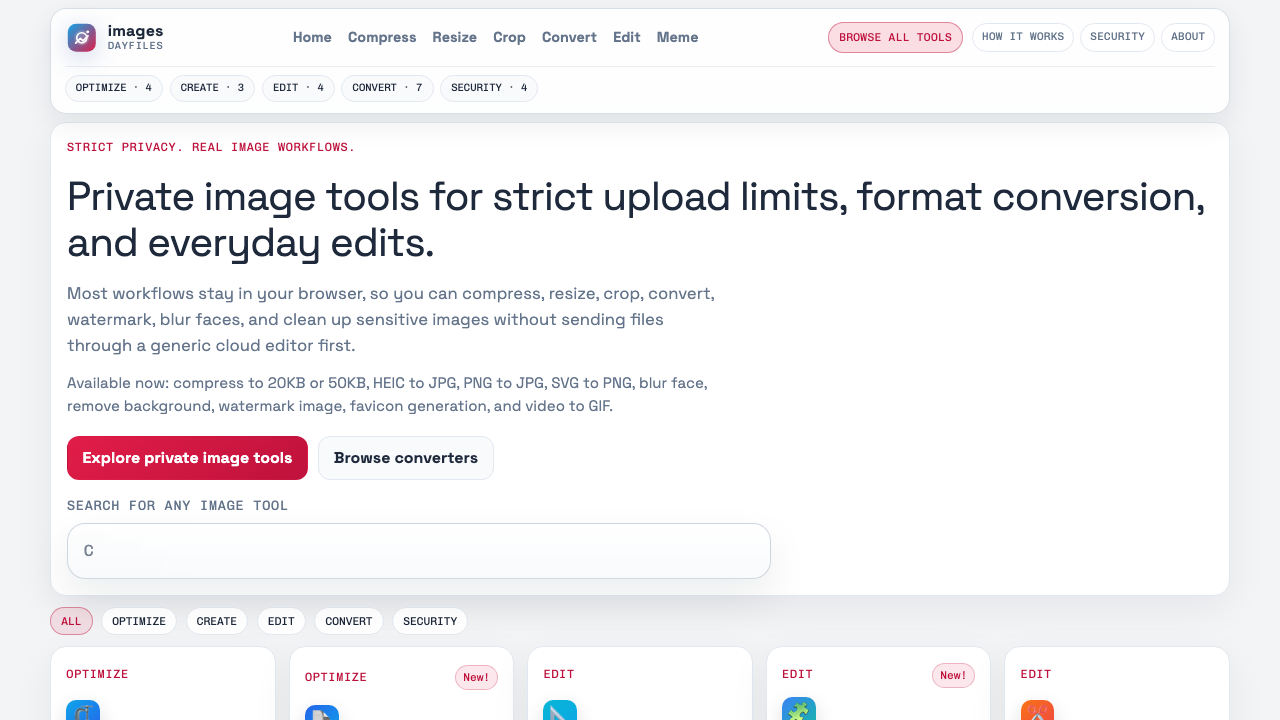
Everyday Image Studio gives visitors a browser-first route for practical image editing and repeatable export work. The value is not only that the tool is live. The value is that it supports recurring jobs such as crop cleanup, asset preparation, and standardized image delivery without adding a heavy software setup step.
Who should care about this launch?
The launch is most relevant for:
- small teams that need fast image turnaround,
- solo operators working against upload or branding constraints,
- people who already use Dayfiles for PDF or file-handoff work and want a connected image route.
What should a visitor understand before clicking away?
A launch post should help a reader understand the shape of the product in plain language. Everyday Image Studio is not trying to be every creative tool on the web. Its role inside Dayfiles is more specific: help users run practical image editing work that sits close to file delivery, repeated exports, and operational handoffs.
What should a first-time visitor test?
A good first session should answer three questions:
- Can the product handle a realistic image task quickly?
- Is the editing surface readable enough for repeated daily work?
- Does the output fit naturally into the rest of the Dayfiles stack?
That is a better test than browsing features in the abstract.
How should the launch traffic be converted into trust?
Trust comes from showing the product in context. A visitor should be able to go from the launch announcement to a workflow guide and then to the live tool without hitting a dead end or a vague promise. The more direct that path feels, the more the launch post behaves like useful product orientation instead of marketing filler.
How does this launch connect to the rest of Dayfiles?
The launch matters more because it fits into the broader Dayfiles flow. Image prep, PDF packaging, and final delivery often belong to the same job, especially in operations, hiring, application, or listing workflows. The product is stronger when readers can move from the announcement to a real guide and then to the live workspace.
What would make the launch post worth revisiting later?
It should still help a later visitor understand where Everyday Image Studio sits inside the site, what kinds of tasks it supports, and which follow-up guides make the evaluation easier. That is the standard that keeps a launch post from aging into a low-information archive page.
What should the site learn from the launch itself?
The launch is useful feedback about what visitors notice first, which workflow questions they ask immediately, and which guides make them confident enough to try the tool. Those signals should shape future product-page and guide improvements so the launch keeps producing value after the announcement week is over.
Which live pages prove the launch is real?
The launch becomes more believable when it connects directly to pages a visitor can test: the main Images hub, focused routes such as JPG conversion or resize flows, and workflow guides that explain how the product fits real jobs. That mix of product surface and supporting context is what turns a launch post into evidence rather than announcement theater.
It is also a better standard for Dayfiles specifically. The launch page should help a reviewer see that the product exists, the routes are navigable, and the editorial layer points back to something useful instead of floating on its own.
What should the post avoid becoming?
It should not become a detached announcement that only makes sense to people who already followed the launch week closely. The page stays useful when it still helps a new visitor understand the product role, the likely workflow fit, and the best next page to read after the announcement.
Why launch context still matters later
Later readers often arrive from search, a shared link, or a passing mention rather than from the original launch moment. Keeping the post useful for them makes the page more than a timestamp. It turns the launch into a durable orientation page that still helps the product explain itself.
Where should launch traffic go next?
- Everyday Image Studio Workflow Playbook for Daily Teams
- How to Convert Images to JPG for Consistent Delivery
- Employee ID Photo Standards for HR Teams and Faster Reviews
What should the launch post leave behind?
The best launch post does not just celebrate. It gives visitors a useful next step and makes the product easier to evaluate on its own terms. That is the job this announcement should do on Dayfiles.
If the post still helps a new visitor understand the product months later, it is doing more than announcing. It is helping the site explain itself in a durable way.