
How should a team use Everyday Image Studio when daily image work has started to sprawl across folders, rushed exports, and inconsistent reviews? The playbook that works best is the one that turns repeated image handling into a visible operating routine, with clear intake, editing, review, and handoff rules.
The Dayfiles workflow becomes more valuable when the team can explain how work moves from intake to delivery. That is the point of a playbook: it documents the routine well enough that good results do not depend on one person remembering every step.
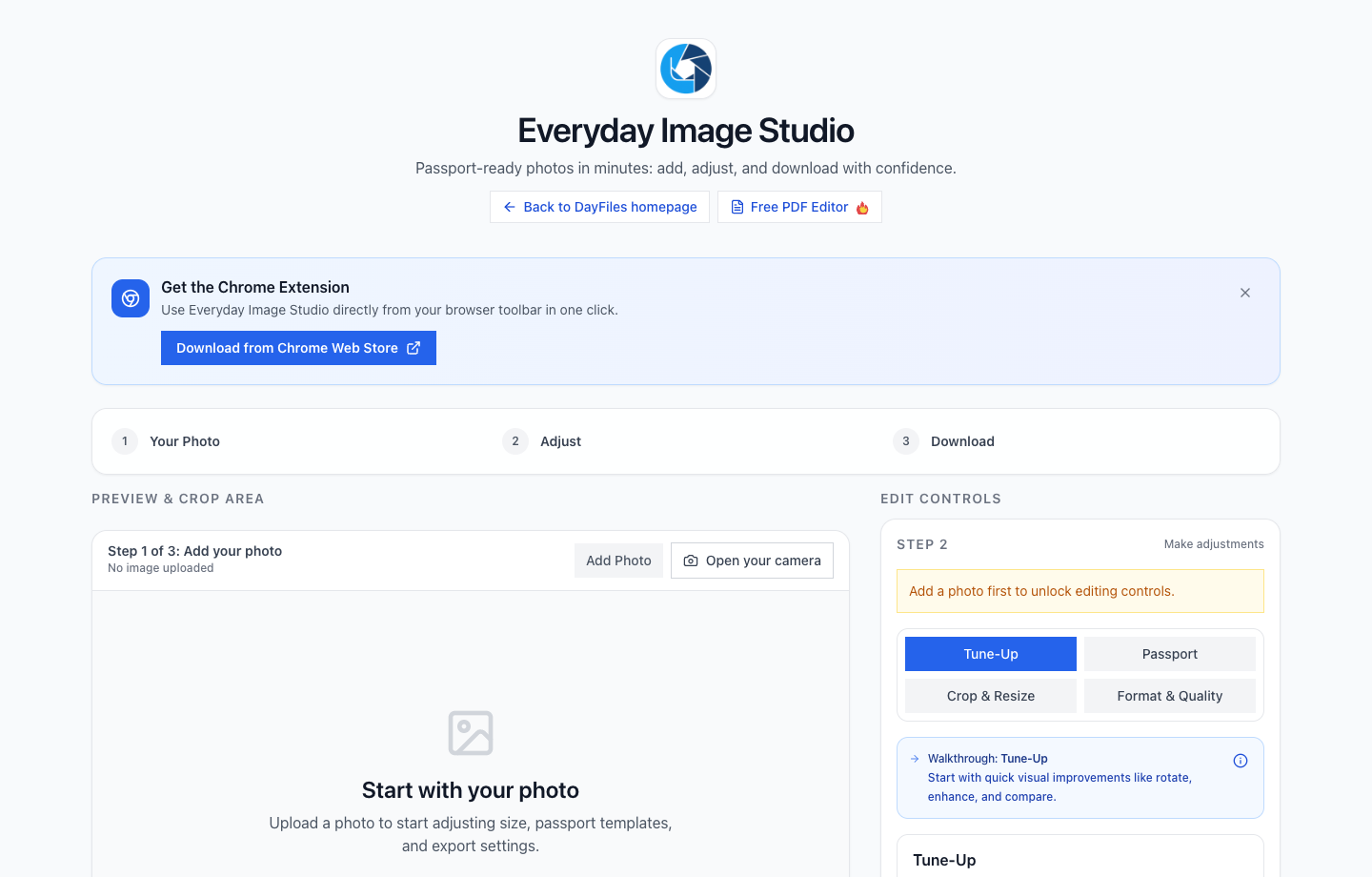
What should be documented first for small teams that create, clean, and ship repeated image assets?
Start with the non-negotiables:
- one intake naming rule
- one preset strategy for common edits
- one review checkpoint before export
Those choices create the conditions for reliable editing. Without them, even a strong tool setup gets buried under inconsistent intake and vague approvals.
What should the team do every day inside this playbook?
- Intake files into a predictable working area.
- Apply the agreed editing or processing rule for that job type.
- Review risky outputs before export.
- Hand off only labeled, approved files.
- Keep the original assets available for reuse or correction.
The playbook should make those five steps feel ordinary. If the route is too clever to remember, the team will drift back into ad hoc file handling the moment work gets busy.
What should the team standardize first?
Start by locking down file naming, source-folder rules, and who owns the final approval step. Teams get into trouble long before export if incoming files arrive in mixed folders with unclear status.
Where Everyday Image Studio fits best
Use it when the work depends on repeated image cleanup, resizing, crop control, or lightweight production tasks that do not need a heavy design suite. It works best when the team values speed and consistency more than endless creative branching.
A repeatable daily sequence
A reliable team sequence usually looks like intake, edit, quality check, export, and handoff. That keeps the editing canvas connected to the file decision that comes before it and the delivery rule that comes after it.
What the quality gate should catch
Catch inconsistent crops, accidental over-editing, wrong export dimensions, and files that should have stayed as originals. The review step matters most on assets that are headed toward listings, portals, or customer-facing channels.
How to keep handoffs readable
The export folder should reveal what is final, what is source, and what still needs review. Teams lose time when the editing work is fine but the handoff names are too vague for the next person to trust.
What to measure after rollout
Measure rework rate, turnaround time, and how often files come back for size, crop, or background corrections. Those numbers show whether the workflow is really improving, not just whether the team likes the tool.
How should the playbook evolve over time?
Change it when the team sees repeated failure patterns, not just when someone has a new preference. The playbook is strongest when it captures the fixes that remove recurring rework, unclear approvals, or export mistakes. That keeps it practical instead of turning it into a theoretical operations document.
What should new teammates be able to learn from it?
They should be able to see where files enter the system, what “approved” means for the team, when exports are allowed to leave the workspace, and where the final outputs live afterward. If the playbook answers those questions cleanly, it shortens onboarding and reduces the amount of tribal knowledge needed to do good work.
What should stay visible even when the team is busy?
The source-of-truth folder, the approval signal, and the final archive path should always stay visible. Busy teams rarely fail because they forgot a sophisticated tactic. They fail because ordinary status signals disappeared under deadline pressure. A practical playbook protects those signals first.
What would prove the playbook is doing its job?
It would show up in cleaner handoffs, fewer clarification messages, and less repeated export work on the same files. A good playbook should make the routine easier to explain and easier to trust, not just easier to admire in a document. If the team still spends too much time figuring out what a file is, the playbook needs another iteration.
What should the playbook save the team from?
It should save the team from rebuilding the same working assumptions every week. If people still need to ask where files belong, what counts as approved, or when an export is allowed to leave the workspace, the playbook is not yet carrying enough operational weight.
That makes this more than a documentation exercise. The playbook should remove repeated uncertainty and make good behavior easier to repeat under pressure.
Why this playbook matters even for small teams
Small teams often assume they can rely on memory because everyone talks frequently. In practice, the opposite is true under deadline pressure. A lightweight playbook keeps routine file work from becoming dependent on one person’s memory, and that makes the whole system more resilient when priorities shift quickly.
More Dayfiles guides for small teams that create, clean, and ship repeated image assets
- eis social content production workflow
- eis passport photo checklist
- How to Resize Images in Bulk for Listings and Uploads
What makes the playbook useful
It is useful when a new teammate can follow the sequence, a manager can review the outcomes, and the final asset handoff looks predictable instead of personal. That is the standard the playbook should support.
The more the playbook reduces guesswork around approval, export, and archive status, the more it earns its place as a page people can actually use.